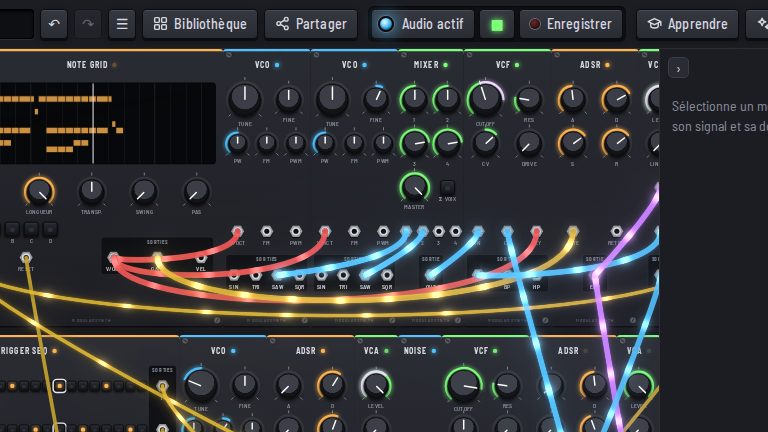
The Record button, in the middle of the top bar, records what comes out of the speakers: everything you hear, effects included.
Recording
- Click Record: recording starts.
- Play, turn knobs, start your song.
- Click again to stop: the WAV file downloads.
The WAV opens in any music app (Ableton Live, Logic, Audacity…) to be edited, mixed or shared.
With a DAW
To record straight into your DAW, route the browser’s sound through a virtual audio output. To keep both at the same tempo, see Keyboards and MIDI, MIDI clock section.
Bringing sound in
The other way round, the Audio input brings a microphone, a sound card or a guitar into the patch, and the Sampler plays your own recordings.